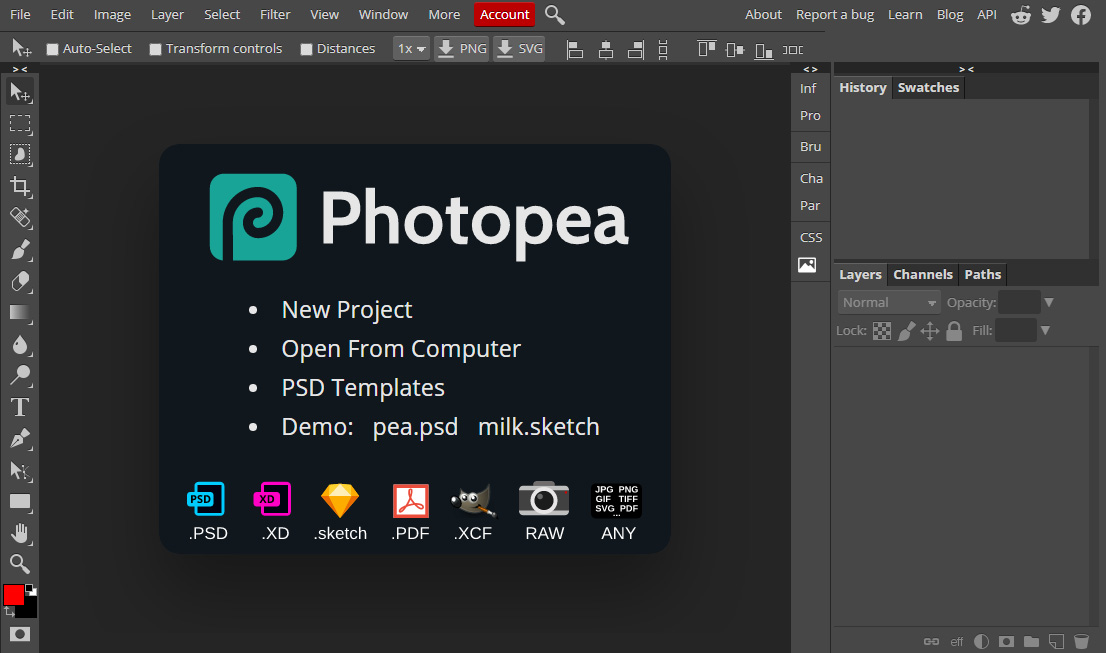
Through the points of this article, we will learn how to design a logo in Photoshop professionally. It is known that Photoshop is one of the programs that can produce a professional logo in a distinctive and attractive way, with easy steps that we explain through the following points:
Open Photoshop, where you open a new page to design from it, then start the settings of the new page and adjust it in terms of dimensions, shape and size in proportion to the image or logo that you want to design.
You go to choose an appropriate background color to choose it in proportion to the color of the logo you want to design.
It is possible to choose the eraser tool in order to appropriately place the colors that you want to put on the background and how to distribute them accurately.
After doing all these settings and adjusting the colors, put the idea of the logo through which you want to design a logo in Photoshop in a distinctive way, and there are many ideas between written logos, or logos that depend on symbols and shapes, or that depend on images, or a combination between the image and the written text, and each One of these ideas is a special tool in Photoshop.
There are many tools for colors and effects on texts, images and others that you discover on your own while designing a logo in Photoshop, each according to the idea you want, there are multiple color options, options for texts and how to place them on images, placing logos from shapes, symbols and circles and merging them with different texts, and other Tools that support the idea professionally.
professional logo design
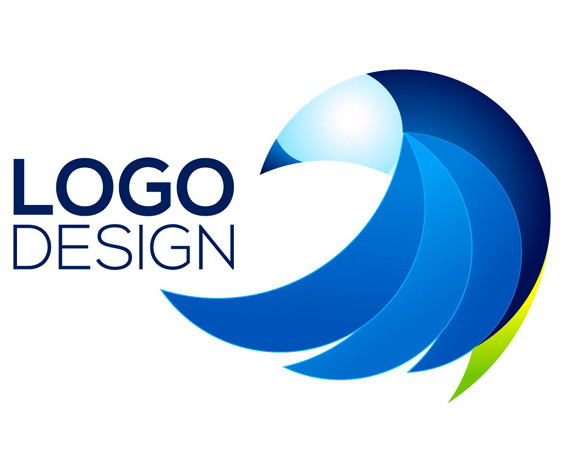
logo design
Are there drawbacks to designing a logo in Photoshop?
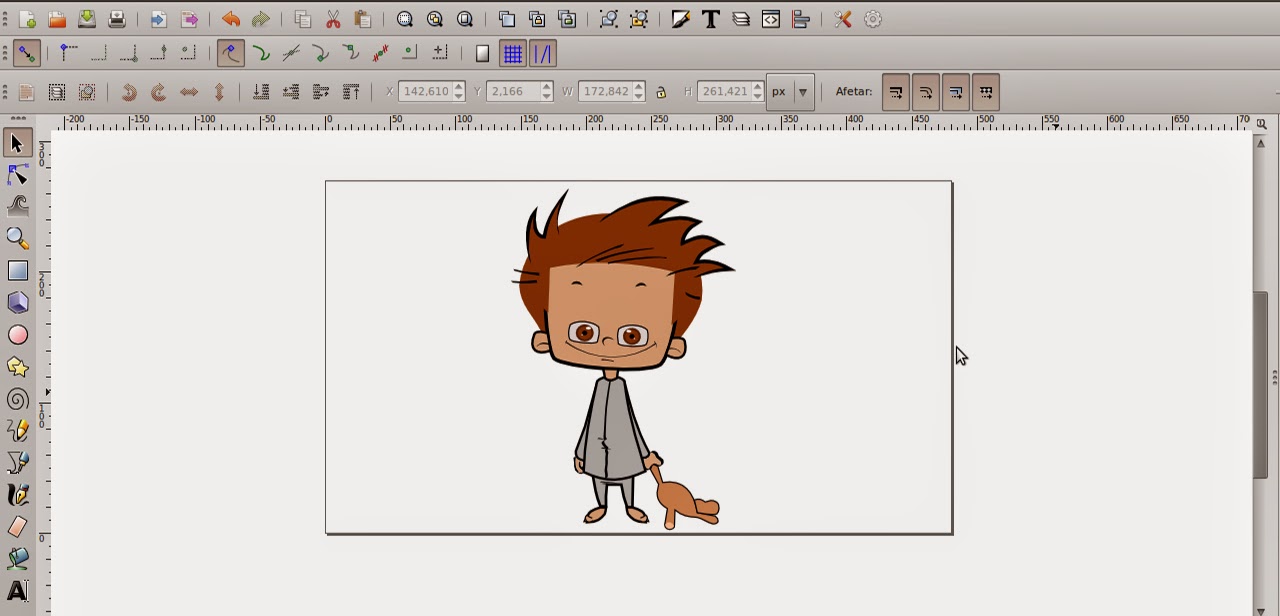
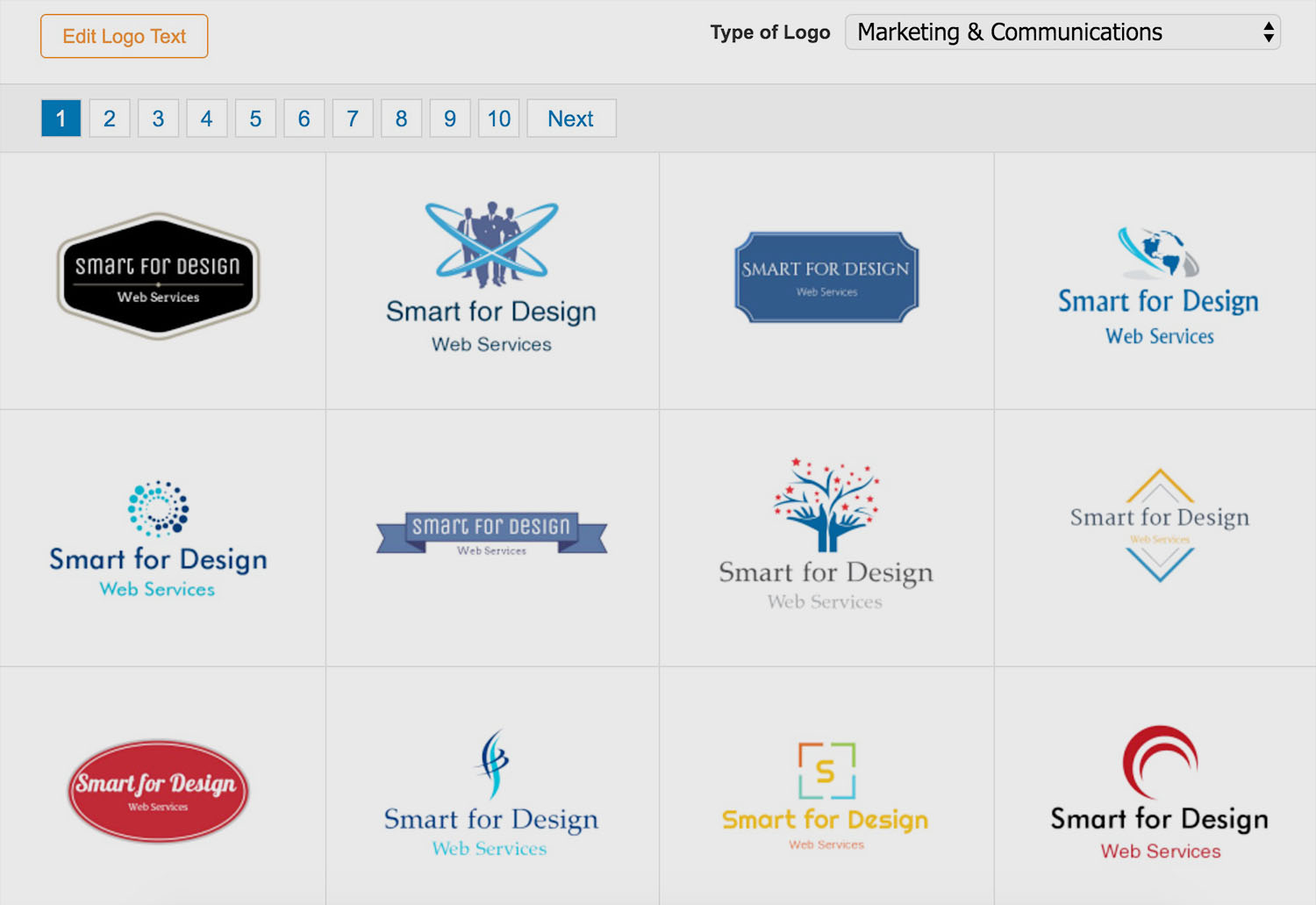
In fact, Photoshop is not the best program that can be relied upon in designing a commercial logo. It is one of the programs through which a commercial logo can be designed, but there are multiple programs that are characterized by development and influence to produce and implement a distinctive logo professionally, such as cooltext, YouDrow or Graphicsprings. Or the professional Adobe illustrator program for logos, and others, which makes us stress that there are drawbacks to designing a logo in Photoshop that you should be wary of:
There are some types of logos that can't be done in Photoshop, such as logos that are based on animation.
There are some logos that cannot be implemented through Photoshop, especially those that depend on the effects of merging letters and overlapping them with images.
There are some drawbacks related to designing a logo in Photoshop, it looks poor, in case the designer is not proficient in Photoshop well.
However, it remains one of the programs that can be relied upon in designing some logos, and not others, that is, the conclusion is that there are some logos that can be designed beautifully through Photoshop, and there are logos that cannot be designed through this program, and need more professional programs.